
AI chatbots have become a standard feature across modern websites, but many implementations still fail at the most important part: user experience. A chatbot that feels intrusive, slows down the interface, or interrupts user flow can reduce conversions instead of improving them.
In 2026, successful chatbot integration is less about adding “AI features” and more about designing a support layer that blends seamlessly into the product experience.
This guide covers implementation approaches, tool choices, and UX best practices for integrating AI chatbots without damaging usability.
Why Chatbots Fail UX When Poorly Implemented
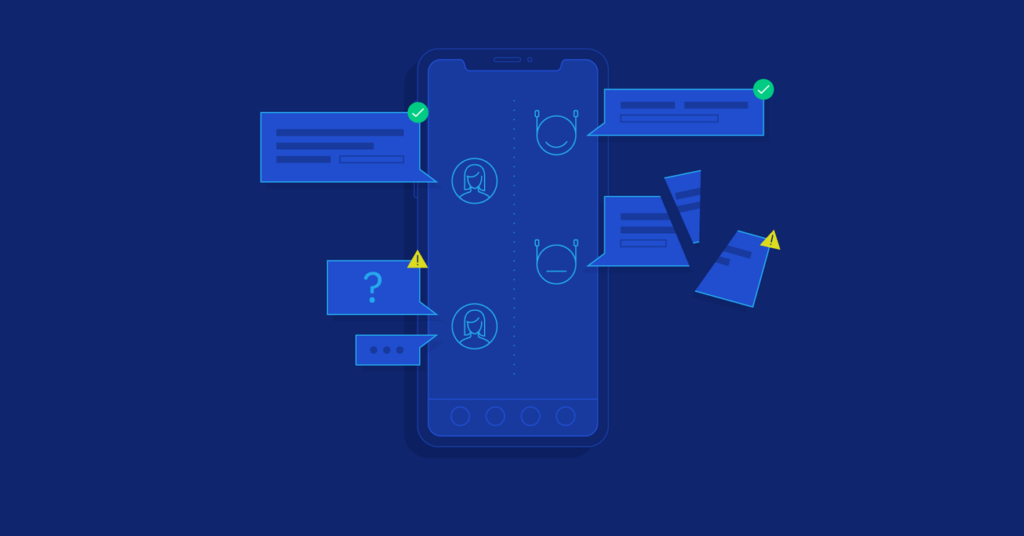
Before integrating a chatbot, it’s important to understand common UX failures.
Typical issues:
- Chat widgets blocking key UI elements
- Over-aggressive popups on page load
- Slow loading scripts affecting performance
- Irrelevant or repetitive responses
- No clear way to minimize or close the chat
- Interrupting conversion flows (checkout, signup, forms)
Key insight:
A chatbot should feel like a help layer, not a competing interface.
Step 1: Define the Chatbot’s Role Clearly
Not all chatbots should behave the same way. The first step is defining its purpose.
Common chatbot roles:
1. Customer support assistant
- Answers FAQs
- Reduces support ticket volume
- Escalates to human agents when needed
2. Sales assistant
- Guides users toward products or pricing plans
- Helps with decision-making
- Suggests relevant options based on intent
3. Onboarding assistant
- Helps new users understand features
- Walks through setup steps
- Reduces early-stage churn
4. Navigation assistant
- Helps users find content or pages quickly
- Acts as a search alternative
Key insight:
A chatbot without a defined role becomes UX noise instead of UX value.
Step 2: Choose the Right AI Chatbot Tools
Modern chatbot systems fall into several categories depending on complexity and integration needs.
Common implementation options:
1. Hosted chatbot platforms
These provide ready-to-use AI chat widgets.
- Easy integration (script-based)
- Built-in UI components
- Managed infrastructure
Best for:
- Quick deployment
- Small to medium websites
2. API-based AI chat systems
These use large language model APIs and custom frontend interfaces.
- Full control over UI/UX
- Custom conversation logic
- Scalable backend integration
Best for:
- SaaS platforms
- Custom web applications
- Product-specific assistants
3. Embedded AI assistants inside apps
Chatbots integrated directly into product workflows.
- Context-aware responses
- Deep integration with user data
- Personalized interactions
Best for:
- Dashboards
- SaaS platforms
- Internal tools
Step 3: UI Placement Without Disrupting UX
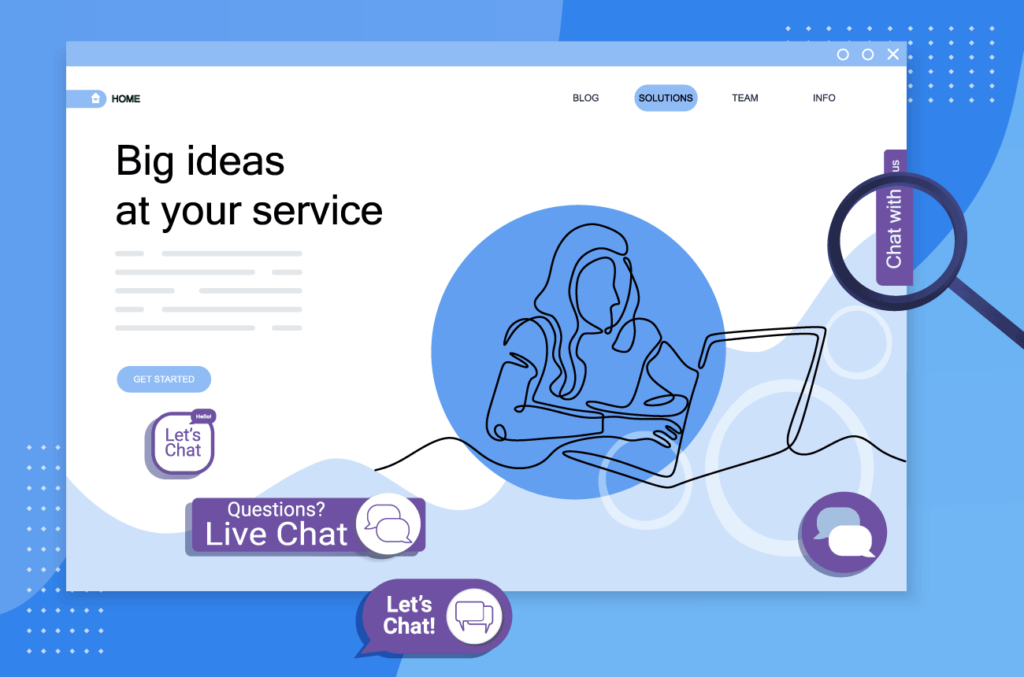
Where you place the chatbot determines whether it helps or hurts usability.
Recommended placements:
1. Bottom-right floating widget (most common)
- Familiar user pattern
- Non-intrusive if minimized properly
- Easy access without blocking content
2. Inline contextual chat triggers
- Embedded within help sections
- Activated only when needed
- High contextual relevance
3. Dedicated help page
- Full-screen conversational experience
- Useful for complex support flows
UX rules for placement:
- Never cover primary CTAs
- Avoid blocking navigation menus
- Keep dismiss or minimize options always visible
- Do not auto-expand on page load
Step 4: Smart Activation Triggers
One of the biggest UX mistakes is triggering chatbots too aggressively.
Better activation strategies:
1. Time-based triggers
- Activate after 20–60 seconds of engagement
- Avoid immediate popups
2. Behavior-based triggers
- Trigger after repeated page visits
- Activate on exit intent (carefully)
- Show when users hesitate on pricing pages
3. Context-based triggers
- Show on support or FAQ pages
- Activate during onboarding flows
- Trigger when error states occur
Key insight:
Chatbots should appear when users need help—not when they first arrive.
Step 5: Designing Natural Chat UX
The conversation design is just as important as the AI model behind it.
Best practices:
1. Clear introduction
- Explain what the chatbot can do
- Set expectations early
2. Suggested prompts
- Provide clickable quick actions
- Reduce user effort to start conversation
3. Short, structured responses
- Avoid long paragraphs
- Use bullet points when necessary
- Keep answers scannable
4. Progressive disclosure
- Start simple, then offer deeper details on request
Step 6: Context-Aware AI Integration
Modern chatbots are no longer generic—they are context-aware systems.
What context-aware chatbots use:
- Current page content
- User session history
- Product or service context
- User account data (if logged in)
Example:
If a user is on a pricing page, the chatbot should:
- Explain plan differences
- Highlight recommendations
- Offer discount or trial options
Key insight:
Relevance is what makes chatbots feel “intelligent,” not just conversational ability.
Step 7: Performance Optimization (Critical but Overlooked)

Chatbots often introduce performance issues if not optimized.
Common problems:
- Large JavaScript bundles
- Blocking scripts on initial load
- Excessive API calls
- Unoptimized third-party widgets
Optimization strategies:
- Lazy-load chatbot scripts
- Load only after user interaction
- Use lightweight UI components
- Cache common responses where possible
Key insight:
A slow chatbot feels worse than no chatbot at all.
Step 8: Human Handoff and Escalation
AI chatbots should not attempt to solve everything.
Best escalation options:
- Live chat with human agents
- Ticket creation systems
- Email follow-up workflows
When to escalate:
- Complex technical issues
- Payment or account problems
- Repeated failed AI responses
- User frustration signals (negative sentiment detection)
Key insight:
The best chatbots know when to stop talking.
Step 9: UX Guardrails to Prevent Friction
To ensure chatbots don’t harm UX, apply strict guardrails.
Essential rules:
- Always allow easy minimization or closure
- Never interrupt checkout flows
- Do not force conversation before access
- Avoid repetitive or looping prompts
- Respect user inactivity without over-triggering
Step 10: Measuring Chatbot Effectiveness
You cannot improve what you do not measure.
Key metrics:
- Conversation engagement rate
- Resolution rate (without human escalation)
- Time to resolution
- Conversion lift from assisted sessions
- User satisfaction ratings
UX metrics:
- Bounce rate changes after chatbot introduction
- Page load impact
- Interaction interference (CTA blockage)
Common Mistakes in Chatbot Integration
- Overusing popups and auto-opening chat
- Treating chatbot as a replacement for UX design
- Ignoring mobile experience constraints
- Lack of clear fallback to human support
- Overloading chatbot with too many responsibilities
Future of Chatbots in Web UX
Chatbots are evolving beyond support tools into embedded interaction layers.
Emerging trends:
- Fully contextual AI assistants inside UI components
- Voice-enabled chat interfaces
- Predictive support before users ask
- Multimodal assistants (text + UI + actions)
- Deep integration with product workflows
Key shift:
Chatbots are becoming invisible infrastructure, not visible widgets.
Final Insight
Integrating AI chatbots into websites is not a UI problem—it is a UX system design challenge.
When done correctly, chatbots:
- Reduce friction
- Improve conversion rates
- Enhance user satisfaction
When done poorly, they:
- Interrupt user journeys
- Slow down performance
- Create frustration instead of value
The difference comes down to one principle:
A chatbot should always serve the user’s intent, not compete with it.
Other Articles

Website Performance Optimization Checklist for Developers
Ethical AI in Design: Where We Stand Now