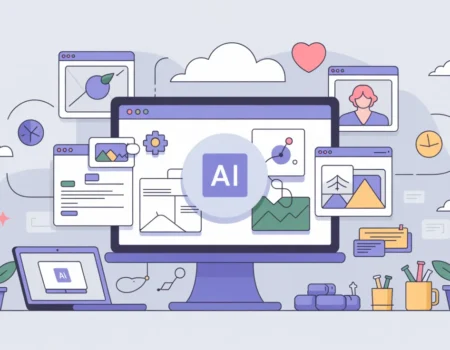
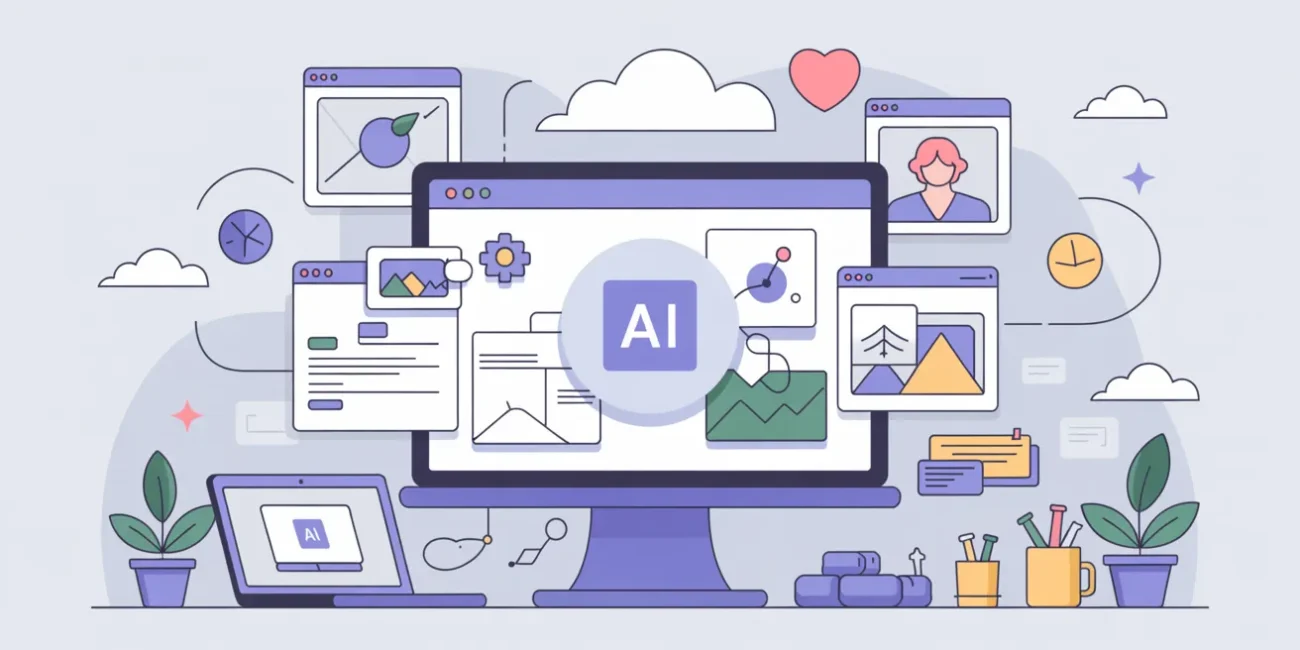
AI has fundamentally changed web design workflows in 2026. What used to take days of manual iteration—wireframing, layout exploration, copywriting, and testing—can now be accelerated through prompt engineering, automation pipelines, and AI-assisted design systems.
The goal is no longer to replace designers, but to remove repetitive execution work so teams can focus on structure, strategy, and experience quality.
Step 1: Use AI for Early-Stage Ideation and Planning
The fastest wins with AI happen before design even begins.
What AI can help with:
- Website structure suggestions
- User flow planning
- Conversion-focused layout ideas
- Feature prioritization
- Content hierarchy design
Example prompt for planning:
“Design a high-converting SaaS landing page for a project management tool targeting startups. Include sections, user flow, and CTA strategy.”
What you get:
- Suggested page sections (hero, features, pricing, testimonials)
- Conversion-driven flow (problem → solution → proof → action)
- Messaging hierarchy ideas
- CTA placement strategy
Key insight:
AI acts like a UX strategist on demand, helping you avoid structural mistakes early.
Step 2: Generate Wireframes Instantly with Prompt Engineering
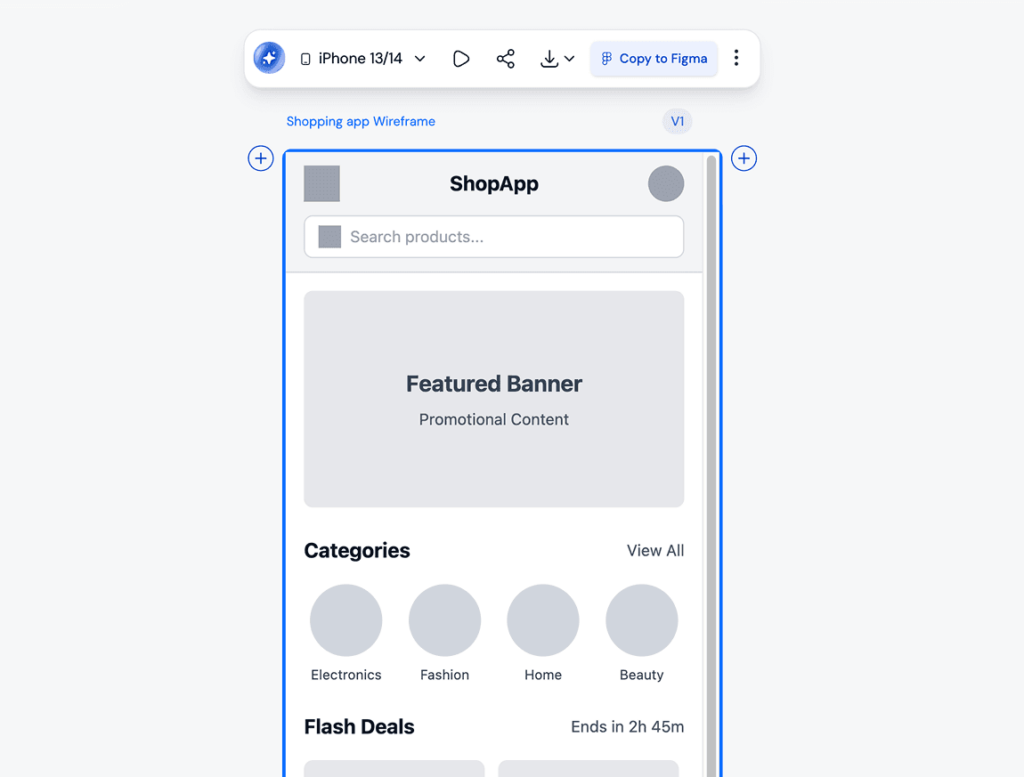
Wireframing is one of the most time-consuming manual tasks in traditional workflows.
With AI, you can generate structured layout ideas in seconds.
Effective wireframe prompts:
“Create a low-fidelity wireframe for an e-commerce homepage selling minimalist furniture. Focus on conversion flow and product discovery.”
“Design a SaaS dashboard layout with navigation, analytics overview, and action panel. Prioritize usability and clarity.”
What AI outputs:
- Section breakdowns
- Layout hierarchy descriptions
- Component placement logic
- Mobile-first considerations
How designers use it:
- Convert AI output into Figma wireframes
- Compare multiple layout variations quickly
- Iterate structure before visual design begins
Key insight:
Wireframing becomes exploration instead of manual construction.
Step 3: Use AI for UI Design Assistance
AI tools now support full UI generation and refinement suggestions.
Common AI UI tasks:
- Generating component variations (buttons, cards, modals)
- Suggesting spacing and typography systems
- Creating design system foundations
- Recommending color palettes based on brand tone
Example prompt:
“Create a modern UI style guide for a fintech app with a premium, trustworthy feel. Include typography, colors, and component styles.”
What you get:
- Font pairing suggestions
- Primary/secondary color systems
- UI component styling direction
- Visual tone recommendations
Key insight:
AI helps establish design consistency faster, especially in early product stages.
Step 4: Automate Copywriting for UI and UX
Copywriting is one of the biggest bottlenecks in web design workflows.
AI dramatically speeds up:
- Headlines
- CTA text
- Product descriptions
- Onboarding flows
- Error messages
Example prompts:
Hero section:
“Write 5 conversion-focused hero headlines for a productivity SaaS tool targeting freelancers.”
CTA optimization:
“Generate 10 variations of a CTA for a free trial signup, focused on urgency and value.”
UX microcopy:
“Write friendly error messages for a login form that fails due to incorrect credentials.”
Key benefit:
Copy becomes iterative and testable, not a one-time decision.
Step 5: AI-Powered Design Systems and Component Generation
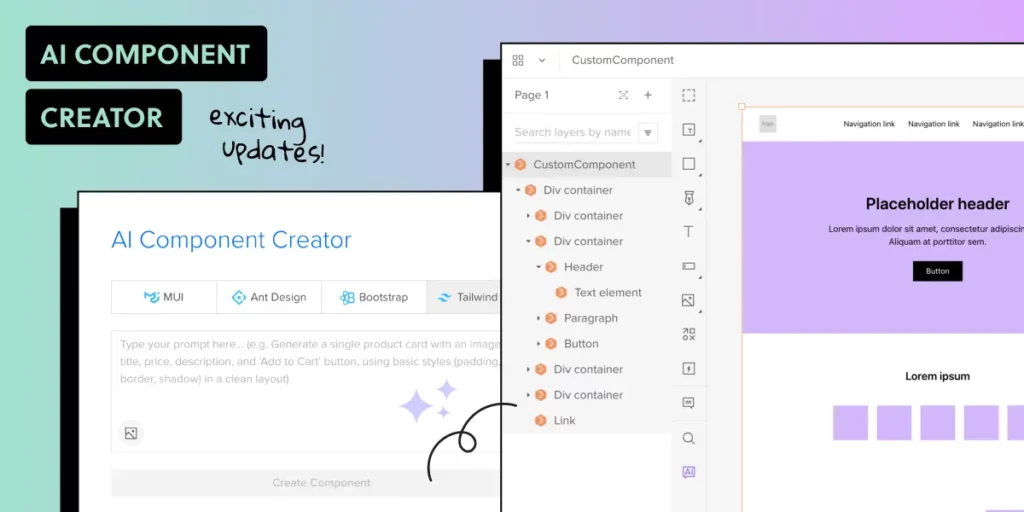
Modern workflows rely heavily on reusable components.
AI can assist in:
- Generating UI component libraries
- Maintaining consistency across screens
- Suggesting reusable patterns
- Enforcing design rules
Example:
“Generate a reusable card component system for a SaaS analytics dashboard with states for loading, active, and empty.”
Output includes:
- Component structure
- Variants (hover, active, disabled)
- Layout rules
- Usage guidelines
Key insight:
Design systems become AI-augmented frameworks instead of manual documentation.
Step 6: Automate UX Testing and Feedback Loops
AI is now widely used to simulate and analyze user behavior.
What AI can do:
- Predict user attention flow
- Identify friction points in layouts
- Simulate A/B test outcomes
- Generate UX improvement suggestions
Example use case:
You upload a landing page design and ask:
“Analyze this layout for conversion weaknesses and suggest improvements.”
AI might detect:
- Weak CTA visibility
- Poor visual hierarchy
- Excessive scrolling before value is communicated
- Missing trust signals
Key insight:
Testing becomes continuous and predictive instead of reactive.
Step 7: Automate Repetitive Design Tasks
AI is especially powerful for repetitive production work.
Tasks AI can automate:
- Resizing layouts for different devices
- Generating multiple page variants
- Creating social media previews from designs
- Exporting assets with naming conventions
- Generating alt text for images
Example workflow:
- Designer creates one homepage
- AI generates mobile + tablet versions
- AI adjusts spacing and typography automatically
- AI generates metadata and SEO tags
Key insight:
Designers shift from execution to quality control and refinement.
Step 8: Use AI for Real-Time Collaboration
AI tools now act as embedded assistants inside design platforms.
Collaboration features:
- Suggesting layout improvements inside design tools
- Highlighting accessibility issues in real time
- Recommending spacing and alignment fixes
- Flagging inconsistent UI patterns
Example:
While designing in a tool like Figma, AI may:
- Detect misaligned components
- Suggest better spacing ratios
- Recommend accessible color replacements
Key insight:
AI becomes a silent design reviewer during creation, not after.
Step 9: Speed Up Development Handoff with AI
The design-to-development handoff is now heavily automated.
AI can:
- Generate frontend code from UI designs
- Convert components into reusable code (React, HTML, etc.)
- Document design system usage
- Generate API integration suggestions
Example prompt:
“Convert this landing page UI into clean, responsive React components using a modern design system.”
Benefits:
- Faster developer implementation
- Reduced interpretation errors
- Cleaner component mapping
- Consistent UI behavior
Step 10: Create Full Design-to-Launch Automation Pipelines
The most advanced workflows integrate AI across the entire process.
Example pipeline:
- AI generates website structure
- Wireframes are created automatically
- UI design system is applied
- Copy is generated and refined
- Development code is produced
- UX testing is simulated
- Optimization suggestions are applied
Result:
A near-complete website can be generated and refined in hours instead of weeks.
Challenges of AI-Driven Workflows
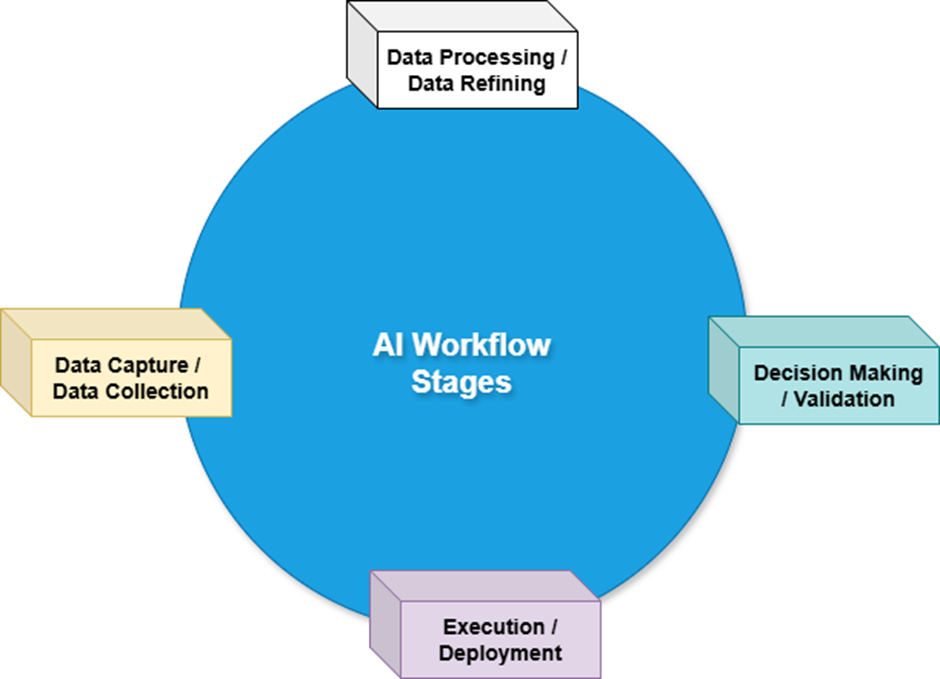
Despite the speed gains, there are important limitations:
1. Over-standardization
AI can produce generic design patterns if not guided properly.
2. Loss of creative direction
Without strong human input, outputs may lack brand personality.
3. Quality control dependency
AI-generated output still requires human review for accuracy and usability.
4. Tool fragmentation
Many AI tools exist, but integration between them is still evolving.
Best Practices for Using AI in Web Design
To get the most value:
- Use AI for structure, not just visuals
- Always refine outputs with human judgment
- Treat AI as a design assistant, not a final decision-maker
- Build reusable prompt templates for consistency
- Combine multiple AI tools instead of relying on one
Final Insight
AI is not replacing web designers—it is compressing the entire workflow.
What used to take:
- Hours of wireframing
- Days of UI iteration
- Weeks of testing and refinement
Can now be accelerated into a continuous, AI-assisted design loop.
The role of the designer is shifting from manual execution to orchestrating systems, prompts, and creative direction that guide AI toward better outcomes.
Other Articles

Why Websites Are Becoming Fully Personalized Experiences