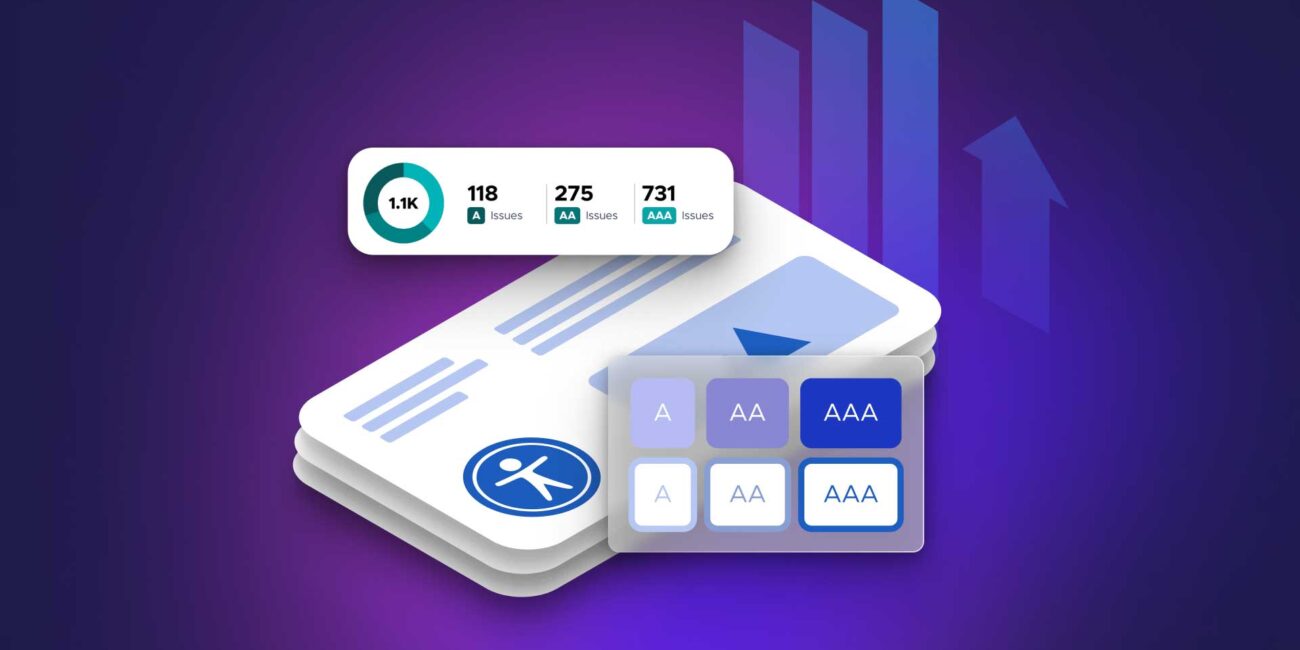
Web accessibility is no longer a “nice-to-have” or a checkbox added at the end of a project. In 2026, accessibility has become a core legal, technical, and UX requirement shaped largely by evolving standards like the Web Content Accessibility Guidelines (WCAG) and broader global compliance frameworks.
What’s changing is not just the rules themselves, but the expectation that accessibility must be built into design systems from the start, not patched afterward.
Why Accessibility Standards Are Tightening
The push for stricter accessibility requirements comes from three major forces:
1. Legal enforcement is increasing
Governments and regulatory bodies are enforcing accessibility compliance more aggressively across:
- Public sector websites
- E-commerce platforms
- Financial services
- Educational platforms
Non-compliance is no longer a theoretical risk—it’s actively monitored.
2. Digital dependency is universal
As more essential services move online, inaccessible websites directly block access to:
- Healthcare systems
- Banking and payments
- Education platforms
- Government services
3. AI is exposing UX flaws faster
Modern assistive technologies and AI-driven testing tools can now automatically detect:
- Poor semantic structure
- Missing labels
- Low contrast issues
- Keyboard navigation failures
This makes accessibility gaps more visible—and harder to ignore.
WCAG Evolution: What’s Changing in Practice
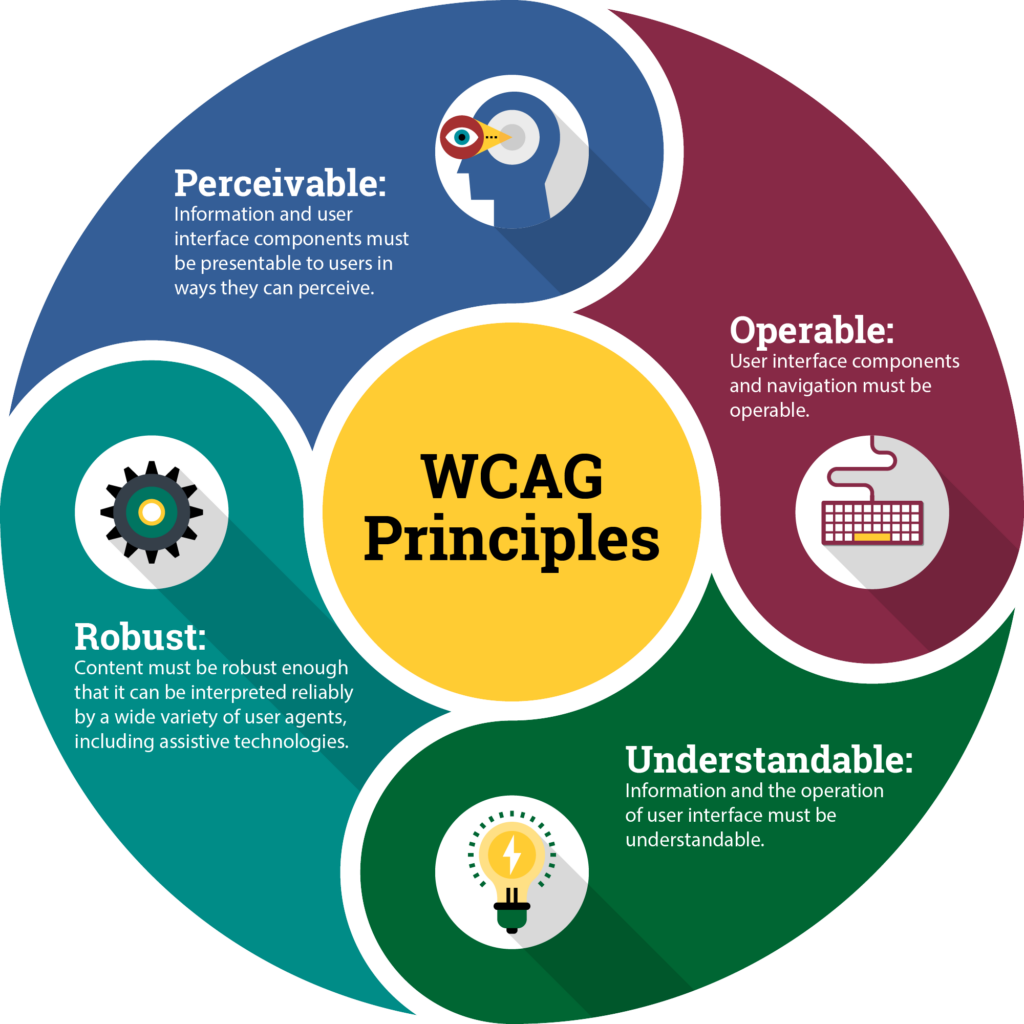
The Web Content Accessibility Guidelines (WCAG) continue to evolve, with newer interpretations focusing less on static compliance and more on real user experience outcomes.
Key shift:
Old approach: “Does this meet the rule?”
New approach: “Can a real user successfully complete the task?”
1. Stronger Focus on Perceivable Content
Modern WCAG interpretations emphasize that all meaningful content must be perceivable in multiple ways.
What this means in practice:
- Images must have meaningful alternative text, not generic labels
- Video content increasingly requires accurate captions and transcripts
- Visual-only instructions are no longer acceptable
- Information cannot rely solely on color cues
Example:
Instead of:
- “Click the green button to continue”
Accessible version:
- “Click the ‘Continue’ button below”
2. Higher Contrast and Readability Requirements
Color contrast standards are becoming more strictly enforced, especially as design trends move toward minimalism and low-contrast aesthetics.
What’s tightening:
- Minimum contrast ratios are being more rigorously tested
- Small text requires higher contrast than before
- “Light gray on white” UI trends are being discouraged
- Decorative text cannot interfere with readability standards
Impact on design:
- More careful palette selection
- Increased use of semantic color tokens
- Reduced reliance on subtle UI text styling
3. Keyboard-First Navigation Is Now Mandatory in Practice
While keyboard accessibility has always been part of WCAG, enforcement is becoming stricter.
Requirements include:
- Full site navigability using only a keyboard
- Visible focus indicators on all interactive elements
- Logical tab order matching visual layout
- No “keyboard traps” in modals or widgets
Why it matters more now:
Screen readers and assistive devices increasingly rely on consistent DOM structure and predictable navigation flows.
4. Semantic HTML Is No Longer Optional
Accessibility tools now heavily rely on proper semantic structure to interpret content correctly.
Stronger expectations:
- Correct use of headings (H1–H6 hierarchy)
- Proper landmark roles (nav, main, footer)
- Buttons must not be divs styled as clickable elements
- Forms must include explicit labels tied to inputs
Example:
Poor:
- A clickable
<div>styled as a button
Correct:
- A semantic
<button>element with an accessible label
Key insight:
Accessibility is now deeply tied to code quality, not just visual design.
5. Mobile Accessibility Standards Are Expanding
With mobile-first usage dominating global traffic, accessibility rules are increasingly applied to mobile interfaces.
New expectations:
- Touch targets must be large enough for motor accessibility
- Gestures must have alternatives (not gesture-only actions)
- Zooming and scaling cannot be disabled
- Layout must remain usable at high zoom levels
Example:
A swipe-only carousel must also include:
- Buttons for navigation
- Keyboard support (on hybrid devices)
- Screen reader-friendly controls
6. Motion and Animation Controls Are Required
Modern WCAG interpretations place more emphasis on motion sensitivity.
Required practices:
- Respect “prefers-reduced-motion” settings
- Avoid autoplay animations that cannot be paused
- Ensure motion is not required to understand content
- Provide static alternatives for animated elements
Why this matters:
Motion sensitivity and vestibular disorders affect a significant portion of users, even if often overlooked in traditional design workflows.
Inclusive Design Is Becoming a Standard, Not a Specialty
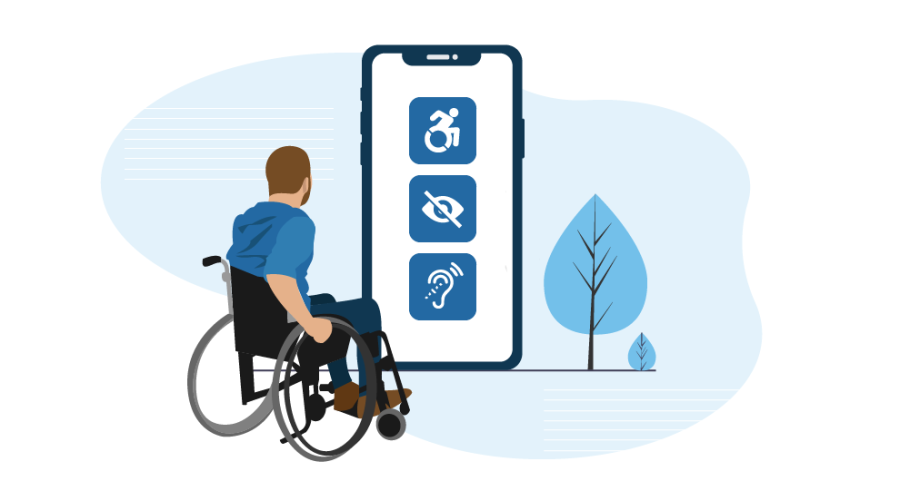
Accessibility is increasingly merging with broader inclusive design principles, meaning designers are expected to consider a wide range of user needs from the beginning.
Inclusive design now includes:
- Cognitive accessibility (reducing mental load)
- Visual accessibility (contrast, typography, spacing)
- Motor accessibility (keyboard and touch usability)
- Auditory accessibility (captions and transcripts)
Key shift:
Instead of designing for “average users,” teams are designing for edge cases as first-class users.
AI’s Role in Accessibility Compliance
AI is now actively shaping accessibility workflows.
What AI tools can do:
- Automatically scan and fix contrast issues
- Generate alt text suggestions for images
- Detect missing form labels
- Simulate screen reader behavior
- Predict accessibility violations during design
What’s changing:
Accessibility is moving from manual auditing to continuous automated compliance monitoring.
Design System Integration: Accessibility by Default
Modern design systems now embed accessibility rules directly into components.
Examples:
- Buttons with built-in focus states
- Form components with required labeling patterns
- Color tokens that meet contrast standards automatically
- Typography scales designed for readability by default
Key insight:
Accessibility is no longer a layer added at the end—it is baked into the system architecture.
Common Mistakes That Are Becoming Unacceptable
As standards tighten, several previously “common” practices are now considered major issues:
- Relying on color alone to convey meaning
- Missing or vague image alt text
- Unlabeled form inputs
- Inconsistent heading structure
- Keyboard-inaccessible modals
- Low-contrast minimalist UI trends
- Auto-playing media without controls
These are no longer just UX flaws—they are compliance risks.
Business Impact of Accessibility Compliance
Stricter accessibility standards are not just regulatory—they directly affect performance and reach.
Benefits of strong accessibility:
- Expanded audience reach
- Improved SEO performance
- Better usability for all users
- Reduced legal risk
- Higher conversion rates due to clearer UX
Key insight:
Accessibility improvements tend to enhance usability universally, not just for users with disabilities.
The Future of Web Accessibility
Accessibility is evolving toward a model of continuous, system-level enforcement.
Likely direction:
- Real-time accessibility validation in design tools
- Automated compliance during deployment pipelines
- AI-driven user experience adaptation based on needs
- Unified global accessibility standards across regions
Designer and developer shift:
Teams are moving from:
- “Fixing accessibility issues”
to - “Designing systems that prevent accessibility issues from existing”
Final Insight
Web accessibility standards are getting stricter because digital experiences are now essential infrastructure, not optional interfaces.
The Web Content Accessibility Guidelines (WCAG) are evolving alongside technology, shifting focus from static compliance to real-world usability and inclusivity.
The future of web design is not just visually polished or fast—it is universally usable by default, where accessibility is not an enhancement, but a foundational requirement of every interface.
Other Articles

How to Use AI to Speed Up Your Web Design Workflow