Web design in 2026 is no longer a purely manual craft. Designers still define vision, structure, and brand identity—but a significant portion of execution, iteration, and optimization is now handled by intelligent systems. From layout generation to real-time UX tuning, AI has become a silent partner in nearly every stage of digital product design.
The biggest shift is not just speed. It’s adaptability. Websites are no longer static experiences; they are increasingly dynamic systems that learn, test, and evolve continuously.
AI-Generated Layouts: From Wireframes to Production in Seconds
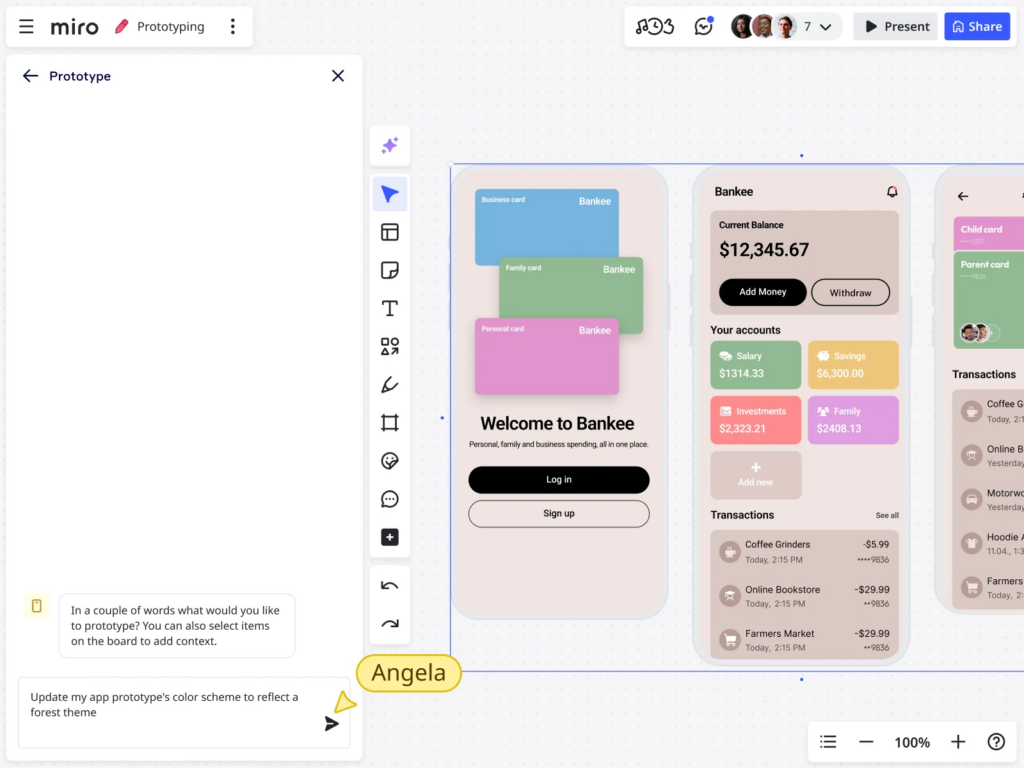
One of the most visible changes in modern web design is the rise of AI-generated layouts. Instead of starting with blank canvases or static wireframes, designers now often begin with intelligent layout suggestions generated from prompts, brand data, or user goals.
How it works in practice:
- Designers input goals (e.g., “SaaS landing page for enterprise users”)
- AI generates multiple layout variations instantly
- Systems adjust spacing, hierarchy, and component placement automatically
- Designers refine rather than build from scratch
What’s changed in 2026:
- Layout tools now understand conversion intent
- Grid systems are dynamically optimized for readability
- Component libraries auto-adapt to content density
- Mobile-first design is often generated by default
Key benefit:
Designers spend less time constructing structure and more time refining message, emotion, and brand differentiation.
Automated UX Testing: Continuous Optimization Instead of A/B Cycles
Traditional UX testing relied on slow A/B experiments. In 2026, AI-driven systems continuously test and optimize interfaces in real time.
What automated UX testing includes:
- Real-time heatmap analysis powered by behavioral models
- Predictive click-through simulation
- Session replay clustering using machine learning
- Automated variant generation for UI elements
What’s different now:
Instead of waiting weeks for A/B test results, systems now:
- Generate multiple UI variations automatically
- Route traffic dynamically based on predicted performance
- Adjust layouts based on user behavior patterns
- Detect friction points before they impact conversion rates
Example in action:
If users consistently ignore a CTA button, AI may:
- Move it higher on the page
- Change its color contrast
- Rephrase its text
- Test all variations simultaneously across user segments
Key insight:
UX testing has shifted from reactive analysis to proactive optimization.
Adaptive Interfaces: Websites That Change for Each User
Perhaps the most transformative trend is the rise of adaptive interfaces—websites that change layout, content prioritization, and even navigation based on user behavior.
What adaptive interfaces do:
- Adjust content order based on user intent signals
- Personalize UI density (minimal vs detailed views)
- Change navigation structure dynamically
- Highlight different features for different user types
Types of adaptation in 2026:
1. Behavioral adaptation
The interface changes based on how users interact:
- Fast scanners see simplified layouts
- Deep readers see expanded content views
2. Contextual adaptation
Interfaces adjust based on:
- Device type and screen size
- Time of day
- User location and connection speed
3. Intent-based adaptation
AI predicts what users are trying to do:
- “Explore” users see educational content first
- “Buy” users see pricing and CTAs immediately
Key result:
No two users necessarily see the exact same website layout.
The New Role of Designers: From Builders to System Architects
As AI takes over execution-heavy tasks, the role of designers is evolving significantly.
Designers now focus on:
- Defining design systems instead of static pages
- Creating reusable component logic
- Establishing brand constraints and rules
- Guiding AI behavior through design tokens and prompts
What designers do less of:
- Manual pixel-level layout construction
- Repetitive UI variant creation
- Basic responsive adjustments
- Routine A/B testing setup
Key shift:
Designers are becoming experience architects, shaping systems rather than screens.
AI-Powered Design Systems: Living UI Frameworks
Design systems are no longer static documentation—they are dynamic systems powered by AI.
Modern capabilities:
- Auto-generation of components based on brand rules
- Real-time consistency checks across products
- Automatic theme adaptation (light, dark, seasonal modes)
- Accessibility correction suggestions
Example:
If a new button style is introduced:
- AI updates all instances across the product
- Ensures contrast ratios remain accessible
- Adjusts spacing to maintain visual rhythm
- Suggests improvements based on usage data
Key insight:
Design systems now behave like self-maintaining ecosystems.
Content-Aware Design: Layouts That Respond to Meaning
In 2026, AI doesn’t just understand structure—it understands content meaning.
What this enables:
- Headlines automatically influence layout hierarchy
- Longer content blocks trigger spacing adjustments
- Emotional tone affects visual styling suggestions
- Product descriptions influence page structure dynamically
Example:
A landing page for a luxury product might automatically:
- Increase whitespace density
- Reduce visual clutter
- Emphasize typography over imagery
- Shift toward slower scroll pacing
Meanwhile, a productivity SaaS page might:
- Condense sections for fast scanning
- Increase CTA visibility
- Prioritize feature comparison tables
Key insight:
Design is becoming semantically aware, not just visually structured.
AI and Accessibility: Built-In, Not Bolted-On
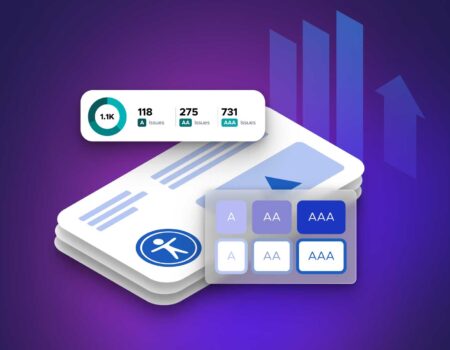
Accessibility has moved from compliance checklist to real-time system behavior.
AI contributions include:
- Automatic contrast correction
- Screen reader optimization suggestions
- Dynamic font scaling based on user preferences
- Real-time detection of cognitive overload patterns
What’s changed:
Instead of retrofitting accessibility, systems now:
- Design with accessibility constraints from the start
- Continuously audit interfaces during development
- Adjust layouts dynamically for usability needs
Key benefit:
More inclusive interfaces without slowing development cycles.
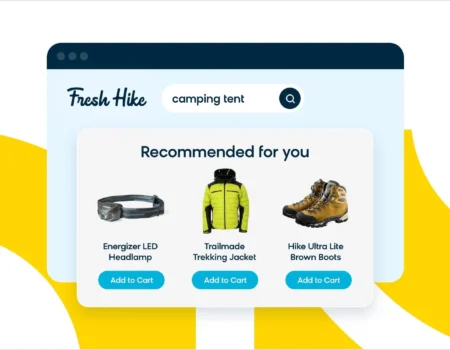
Real-Time Personalization Engines
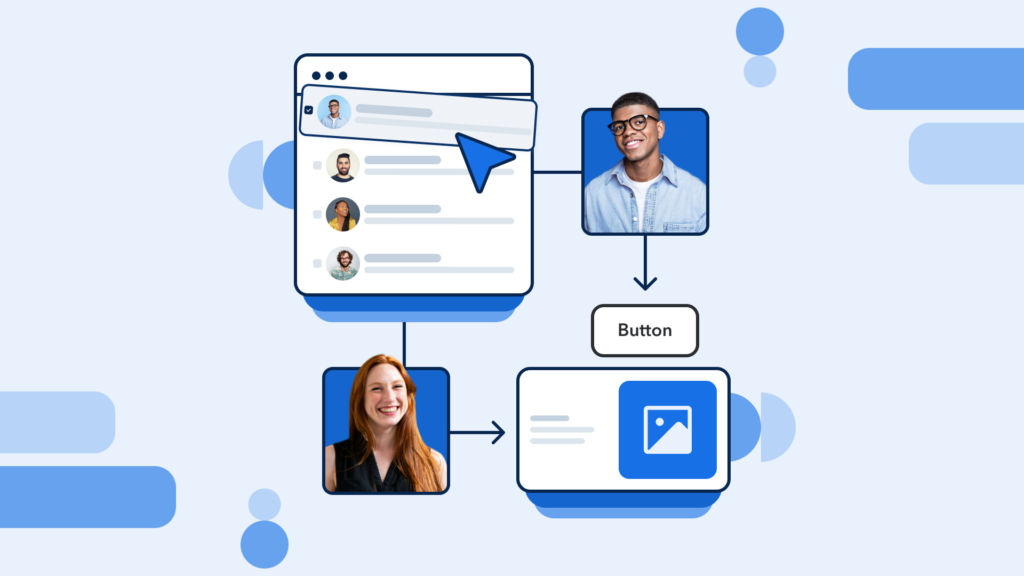
Modern websites now function more like adaptive applications than static pages.
What personalization engines do:
- Adjust homepage layouts per user segment
- Reorder navigation based on historical behavior
- Highlight different pricing tiers dynamically
- Modify onboarding flows in real time
Example:
A returning user might see:
- Recently viewed items
- Shortened navigation paths
- Faster checkout flow
A new user might see:
- Educational content
- Feature explanations
- Guided onboarding prompts
Key insight:
Websites now behave like context-aware assistants, not fixed pages.
Challenges of AI-Driven Web Design
Despite its advantages, AI-driven design introduces new challenges.
1. Loss of creative control
Over-automation can lead to homogenized UI patterns if not carefully guided.
2. Over-personalization risks
Too much adaptation can confuse users when interfaces change unexpectedly.
3. System complexity
Maintaining AI-driven design systems requires new technical and design skills.
4. Ethical considerations
User behavior tracking and personalization must be handled transparently.
The Future: Human + AI Co-Design Systems
The direction of web design is not full automation—it’s collaboration.
Likely future structure:
- Humans define vision, constraints, and brand identity
- AI handles generation, testing, and optimization
- Systems evolve continuously based on user behavior
- Designers supervise and refine instead of manually constructing
Final Insight
AI is not replacing web design—it is reshaping it into a living system of continuous adaptation.
In 2026, the best digital experiences are no longer just designed once and launched. They are:
- Generated
- Tested
- Adjusted
- Evolved
All in real time.
The role of design is shifting from building pages to designing intelligent systems that build themselves.